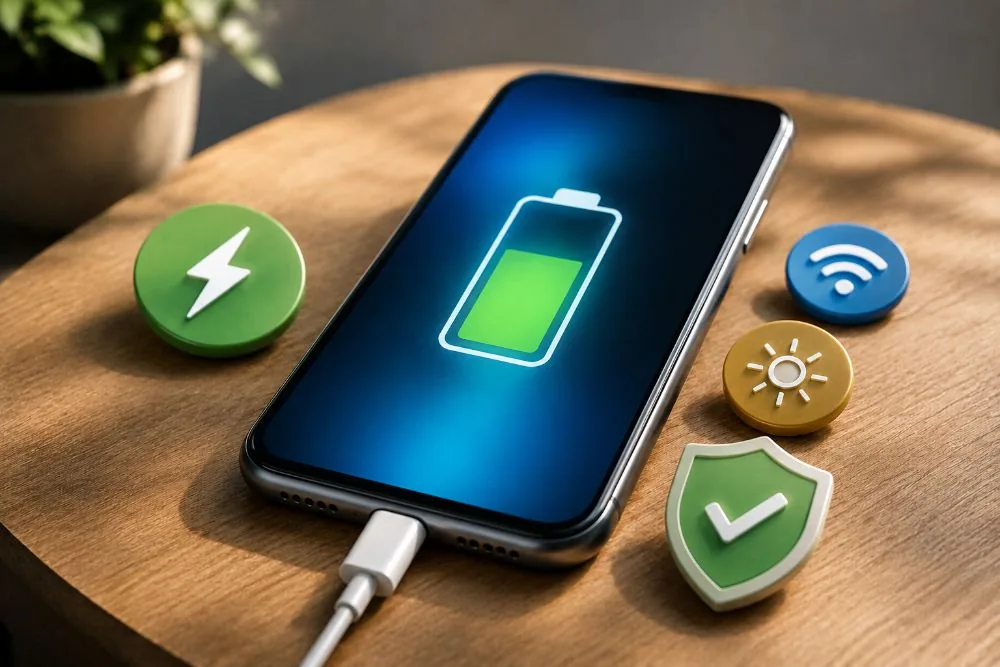
Smartphone batteries degrade faster than many users realize, driven by heat, improper charging, and heavy usage — but simple habit changes can dramatically extend their life. According to studies cited by Battery University, lithium-ion batteries, found in virtually all modern phones, suffer accelerated chemical deterioration when exposed to excessive temperatures or poor charging practices. With devices now handling demanding tasks like on-device artificial intelligence and high-refresh-rate screens, preserving battery health has shifted from a convenience to a financial necessity. The core takeaway: small adjustments in daily routine can yield significant long-term gains in autonomy and device longevity.
The Hidden Culprits Behind Battery Wear
Every charge cycle slowly erodes a lithium-ion battery's maximum capacity. After hundreds of cycles, the cell stores less energy, leading to noticeably shorter runtimes. Heat is the single most destructive factor: leaving a phone in direct sunlight inside a car, near a window, or during prolonged heavy use can drastically accelerate chemical aging. Experts recommend keeping the device between 16°C and 35°C (60°F to 95°F) to minimize stress. While modern batteries are robust, ignoring temperature guidelines can cut usable life by months or even years.
Debunking the Full Discharge Myth
A persistent misconception holds that batteries must be completely drained before recharging. In reality, lithium-ion cells perform best when maintained between 20% and 80% charge. Avoiding deep discharges reduces cumulative wear across hundreds of cycles. Charging to 100% does not cause instant harm, but leaving the phone plugged in at full capacity for extended periods increases chemical stress. Many manufacturers now include intelligent charging systems that pause at 80%, but users should still unplug as soon as practical.
15 Practical Tips to Extend Battery Lifespan
Below is a curated list of expert-recommended actions, drawn from technical studies and battery research. Each tip targets a specific factor that contributes to degradation or needless power drain.
- Avoid extreme temperatures — keep the device away from direct sun and heat sources.
- Do not let the battery fall to 0% — recharge before levels get critically low.
- Do not keep the battery at 100% continuously — disconnect the charger as soon as feasible.
- Use certified chargers — prefer original accessories or those from recognized manufacturers.
- Activate power-saving mode when needed — both Android and iPhone offer advanced tools for this.
- Reduce screen brightness — the display is the largest energy consumer; use auto-brightness or lower manually.
- Prefer dark mode on OLED screens — black pixels remain off, conserving power.
- Manage background apps — social media and location services drain energy even when not in active use.
- Disable unnecessary connections — Bluetooth, GPS, Wi-Fi, and NFC all consume power when left on.
- Update system software regularly — manufacturers release updates with energy-efficiency improvements.
- Avoid cases that trap heat — thick covers hinder heat dissipation during gaming or fast charging.
- Lower the refresh rate when possible — 120Hz screens consume more power; reducing the rate improves autonomy.
- Limit unnecessary notifications — each alert lights up the screen and processes data, wasting energy.
- Avoid gaming while charging — this simultaneously raises power draw and temperature, accelerating wear.
- Monitor battery health — iPhones have a Battery Health tool; many Android devices offer similar features to track when replacement is optimal.
Monitoring as a Key to Longevity
Under normal conditions, a modern battery can deliver satisfactory performance for several years. Users who adopt proper charging habits typically experience slower degradation and maintain greater autonomy over the device's lifetime. With the rising cost of premium smartphones, careful battery care has become one of the most effective ways to prolong the life of the device and avoid unnecessary expenses. Simple behavioral tweaks — avoiding excessive heat, using quality chargers, controlling background apps, and keeping the system updated — are low-effort measures that collectively preserve battery capacity far longer.