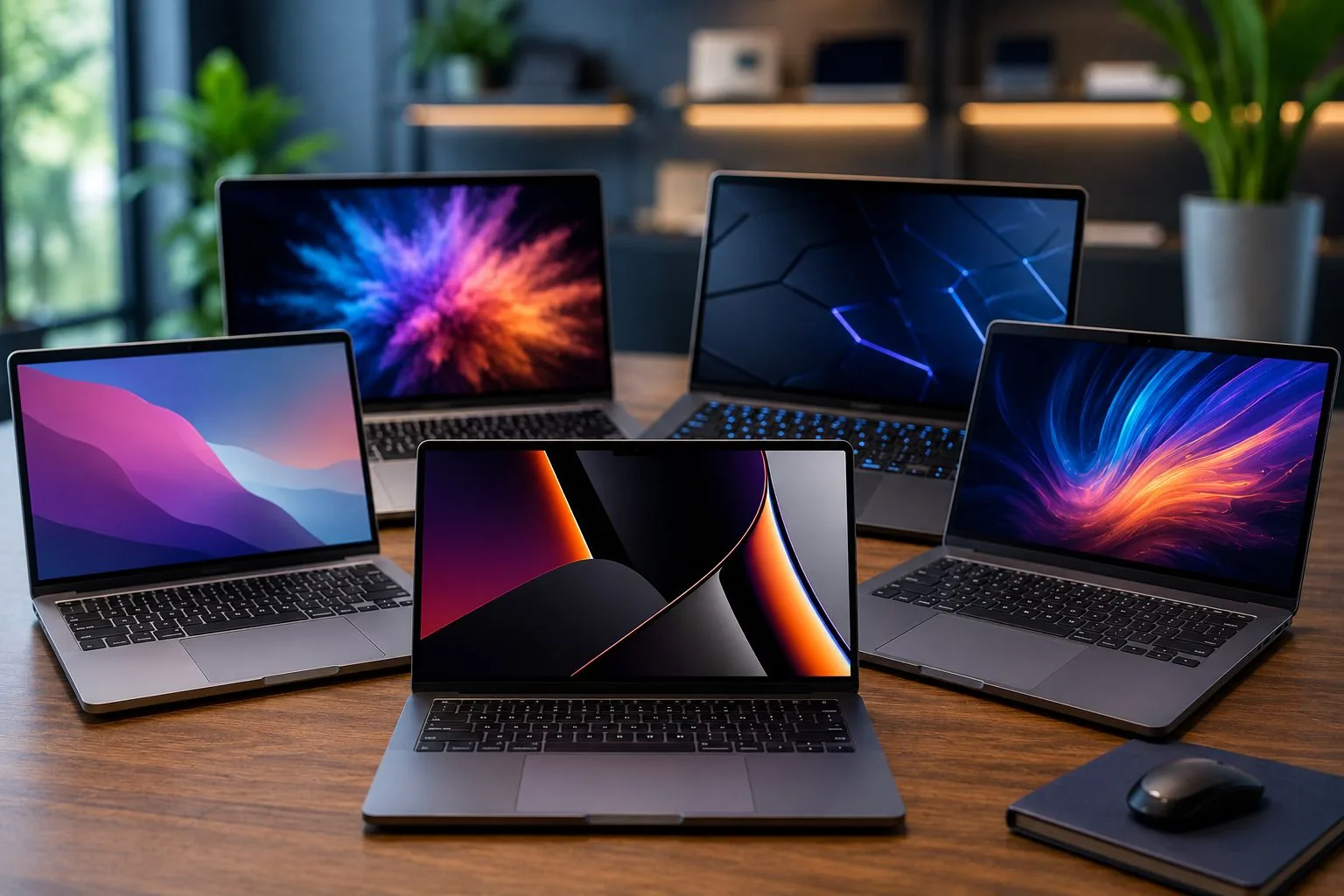
Selecting a laptop in 2026 has become far more intricate than scanning price tags. The market now overflows with processors featuring integrated artificial intelligence, next-generation ultra-fast SSDs, and high-resolution displays spanning multiple categories. Consumers frequently assume that the most expensive model is the best choice, but the true determinant lies in aligning component strengths with individual usage patterns. Understanding which specifications genuinely affect daily performance—from video editing to simple office tasks—can prevent wasteful spending and ensure the device serves its owner for years. The integration of AI accelerators, for instance, is reshaping what users should expect from a modern portable computer, making an informed decision more critical than ever.
Matching Hardware to Your Daily Routine
Before examining technical specifications, shoppers must first define their primary computing scenarios. Different tasks impose distinct demands on memory, graphics, and processing power. Below are the main user categories and their typical requirements.
Individuals whose daily computing revolves around internet navigation, social media interaction, video streaming, office applications, and online classes generally do not require expensive hardware. Modern integrated processors and onboard graphics are fully capable of handling these tasks without lag. Choosing a high-end GPU or excessive RAM for such usage would be an unnecessary expense. Instead, focusing on a reliable SSD and a decent display provides the best value for this group.
- Internet navigation
- Social media interaction
- Video streaming
- Office productivity suite
- Online course participation
University students face a different set of demands, including academic research, video conferencing, writing papers, and juggling multiple applications simultaneously. For such multitasking, memory capacity becomes a decisive factor. Battery life also plays a key role, as students often move between classes and libraries without constant access to power. A balanced configuration with a mid-range processor and at least 16GB of RAM is typically ideal.
- Academic research
- Video conferencing
- Paper and assignment creation
- Multitasking across applications
Professionals managing complex spreadsheets, corporate software, frequent videoconferences, and intensive multitasking need robust processors and ample memory. A Core Ultra or Ryzen 7 combined with 16GB of RAM and a 512GB or 1TB SSD ensures smooth operation. Good battery autonomy further supports on-the-go work away from power outlets. These users should also prioritize reliable connectivity for seamless remote collaboration.
- Complex spreadsheets
- Corporate software
- Frequent videoconferences
- Intensive multitasking
Content creators working with video editing, Photoshop, 3D modelling, and digital content production require powerful CPUs and dedicated graphics cards. A Core Ultra 7 or Ryzen 9 with 32GB of RAM and a 1TB SSD forms a solid foundation. A high-quality display with accurate color reproduction is also critical for visual tasks. Dedicated GPUs accelerate rendering and reduce processing times in demanding applications.
- Video editing
- Photoshop
- 3D modelling
- Digital content production
Gamers playing AAA titles, competitive esports, streaming, and virtual reality rely heavily on GPU performance and effective cooling systems. High-performance processors and dedicated RTX graphics cards are essential. At least 16GB or 32GB of RAM ensures smooth gameplay, while a high refresh rate screen enhances the experience. Robust thermal management prevents performance throttling during extended sessions.
- AAA games
- Competitive esports
- Streaming
- Virtual reality
Processor, Memory, and Storage
The central processing unit remains the brain of any laptop, executing calculations and managing tasks that directly affect system speed. In 2026, the market is dominated by Intel and AMD, each offering distinct lines for different budgets and needs.
CPU Options: Intel and AMD Lineups
Intel continues to be a major player with its Core i3, i5, i7, i9, and Core Ultra series. The new Core Ultra processors include dedicated AI features for better energy efficiency and modern application performance. AMD, meanwhile, has significantly expanded its presence with Ryzen 3, 5, 7, and 9 lines, known for excellent price-to-performance ratios and competitive multicore capability.
- Intel Core i3, i5, i7, i9, Core Ultra
- AMD Ryzen 3, 5, 7, 9
Another critical factor is core count. The number of cores dictates how many tasks can run simultaneously. For most users in 2026, six-core processors offer the best balance between cost and performance.
- 4 cores: basic usage
- 6 cores: productivity
- 8 cores: advanced multitasking
- 12 cores or more: professional editing and heavy gaming
RAM directly influences the ability to run multiple applications at once. 16GB has become the sweet spot for most consumers, while 8GB suffices for light activities. Content creators and programmers should target 32GB, and workstations requiring extreme workloads may need 64GB or beyond. Expandability is a valuable feature for future upgrades.
- 8GB: basic activities and students
- 16GB: ideal for majority of users
- 32GB: recommended for creators and programmers
- 64GB or more: workstations and demanding applications
Storage has shifted almost entirely to SSDs. In 2026, buying a primary laptop with only an HDD is inadvisable due to the vast speed, power, and durability advantages of solid-state drives.
- 256GB: basic usage
- 512GB: ideal for most users
- 1TB: professionals and gamers
- 2TB or more: content creators
For graphics, many consumers overspend on dedicated GPUs when integrated graphics already handle browsing, video, and office tasks. Dedicated graphics become necessary for video editing, 3D rendering, modern games, local AI processing, and graphic modeling. Leading manufacturers include NVIDIA and AMD.
- Video editing
- 3D rendering
- Modern gaming
- Local AI processing
- Graphic modeling
Display, Battery, and Connectivity
The screen quality profoundly affects the user experience. Sizes range from 13 inches for maximum portability to 17 inches as a desktop replacement, with 14 inches offering a compromise. Resolution should be at least Full HD; 2K and 4K are options for those needing finer detail. Panel types include TN (budget), IPS (balanced), OLED (superior contrast), and Mini LED (advanced brightness).
- 13 inches: maximum portability
- 14 inches: balanced compromise
- 15.6 inches: productivity
- 17 inches: desktop replacement
Resolution options:
- Full HD (1920x1080): recommended
- 2K: excellent quality
- 4K: professionals and creators
Panel types:
- TN: cheapest
- IPS: best overall quality
- OLED: superior contrast
- Mini LED: advanced brightness
Battery life can make or break daily convenience. Users who work remotely or study away from power outlets should prioritize models with long endurance. The most efficient laptops currently exceed 12 hours of moderate use. Modern connectivity standards such as Wi-Fi 6E or Wi-Fi 7, Bluetooth 5.4 or higher, USB-C, Thunderbolt, HDMI, and biometric readers are now practically mandatory.
- Wi-Fi 6E or Wi-Fi 7
- Bluetooth 5.4 or higher
- USB-C
- Thunderbolt
- HDMI
- Biometric reader
One of the biggest trends is the rise of AI PCs equipped with Neural Processing Units (NPUs). These specialized components accelerate AI-related tasks, offering better energy efficiency, enhanced video conferencing, advanced productivity features, and local AI processing. For those planning to keep a laptop for several years, investing in an AI-capable model is a strategic move.
- Greater energy efficiency
- Better video conferencing
- Advanced productivity features
- Local AI processing
Pitfalls to Avoid
Beyond positive choices, avoiding common mistakes is equally important. Consumers often err by selecting solely based on price, overlooking screen quality, purchasing insufficient RAM, underestimating storage needs, ignoring battery performance, or buying excessive power that goes unused. A careful assessment of actual usage prevents wasted investment.
- Choosing only by price
- Ignoring screen quality
- Buying too little RAM
- Underestimating storage
- Not considering battery
- Buying excessive power without need