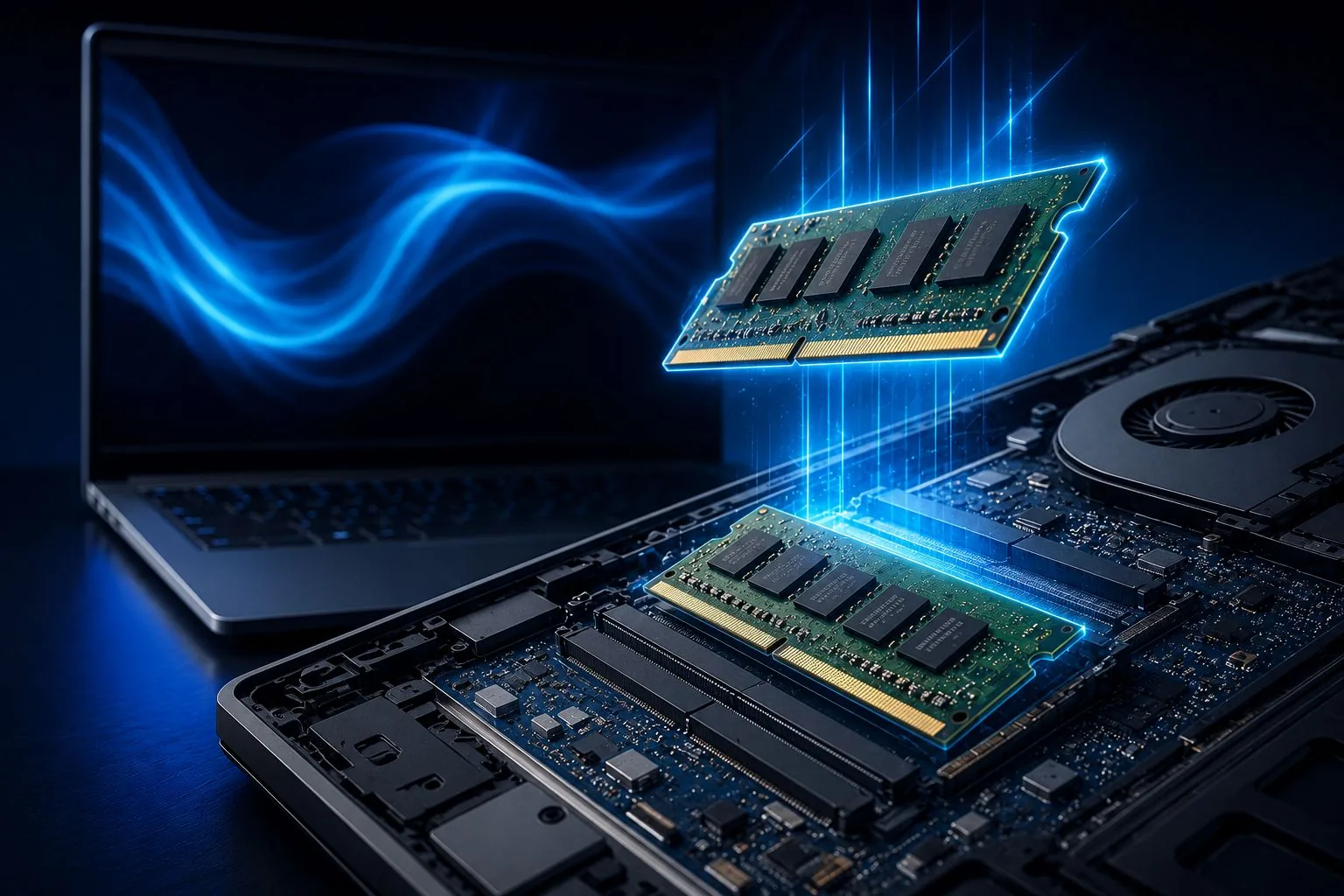
The choice of RAM capacity in 2026 is no longer a simple preference but a strategic decision that determines how long a notebook remains usable. With the proliferation of artificial intelligence features, demanding software, and multitasking habits, consumers face a critical question: how much memory is enough? The source material indicates that 8GB, once a common baseline, now serves only basic needs and risks being insufficient within two to four years. In contrast, 16GB has emerged as the new ideal for the majority, offering a balance between price, performance, and longevity. This shift reflects broader trends in computing, where even everyday applications consume increasingly large amounts of memory.
The Shifting Baseline: Why 8GB Is No Longer Sufficient
Notebooks equipped with 8GB of RAM remain functional for users with modest requirements, such as web browsing, video streaming, and office productivity. However, the source reveals that modern operating systems, Chromium-based browsers, and communication apps frequently consume a significant portion of that capacity. When the system runs out of physical memory, it resorts to using the SSD as virtual memory — a process that, despite SSD speed, is far slower than native RAM. This results in noticeable slowdowns during multitasking. As a result, 8GB is no longer recommended for demanding activities like video editing, advanced programming, virtual machines, modern gaming, or local artificial intelligence workloads.
Who Can Still Get By with 8GB?
The source provides clear guidance on the limits of 8GB. It is considered appropriate for the following uses:
- Students in basic education
- Web browsing
- Office suite
- Streaming
- Social media
- Online classes
On the other hand, 8GB is explicitly not recommended for:
- Video editing
- Advanced programming
- Virtual machines
- Modern games
- Local artificial intelligence
- Heavy multitasking
This distinction underscores that 8GB is a shrinking niche, suitable only for the lightest of usage profiles. Users in those categories may find their experience satisfactory today, but the source warns that the estimated useful life of such a configuration is only two to four years.
16GB RAM: The New Sweet Spot for 2026
For the vast majority of consumers, 16GB of RAM represents the optimal compromise between cost and capability. The source describes this capacity as offering enough headroom for intense multitasking, dozens of open browser tabs, videoconferencing, and professional applications. It also provides a significantly longer estimated lifespan of four to six years. A general comparison of RAM quantities illustrates the trade-offs:
| RAM | User Profile | Estimated Lifespan | Performance Level |
|---|---|---|---|
| 8GB | Basic use | 2 to 4 years | Good |
| 16GB | Most users | 4 to 6 years | Very good |
| 32GB | Professionals and gamers | 5 to 8 years | Excellent |
| 64GB | Workstations and AI | 6 to 10 years | Extreme |
The source rates the experience with 16GB across various activities in a detailed manner:
| Activity | Experience with 16GB |
|---|---|
| Browsing | Excellent |
| Office | Excellent |
| Programming | Very good |
| Photoshop | Very good |
| Gaming | Very good |
| Video Editing | Good |
This consistent high performance across a wide range of activities makes 16GB the recommended standard for students, home office workers, and most professionals.
The Role of AI and Modern Software
Artificial intelligence is a major driver of increased memory demands. The source notes that modern operating systems now incorporate AI features that consume more memory locally, especially in notebooks equipped with Neural Processing Units (NPUs). Tools for text generation, image analysis, audio transcription, and intelligent assistants can use several additional gigabytes during certain tasks. This trend means that choosing RAM today requires looking beyond current needs to anticipate future requirements. Experts cited in the source recommend considering these growing demands when making a purchase decision, reinforcing the wisdom of selecting 16GB or more for longevity.
When Higher Capacities Make Sense: 32GB and 64GB
For professionals and enthusiasts, 32GB and 64GB configurations offer tangible benefits. The source indicates that 32GB is far from overkill for those working with 4K video editing, software development, 3D modeling, engineering, architecture, and data science. With this capacity, memory bottlenecks are virtually eliminated in most professional scenarios. The source lists the following profiles as candidates for 32GB:
- Programmers
- Engineers
- Architects
- Video editors
- Graphic designers
- Local AI users
- Advanced gamers
For 64GB, the audience narrows to workstations, data science, generative AI, and extremely demanding professional environments. The source provides a clear breakdown of when 64GB is worthwhile:
| Profile | Is 64GB Worth It? |
|---|---|
| Common user | No |
| Student | No |
| Programmer | Depends |
| Data Science | Yes |
| Generative AI | Yes |
| Workstation | Yes |
DDR4 vs DDR5: The Generation Matters
Beyond capacity, the type of RAM also affects performance. The source compares DDR4 and DDR5 across four characteristics: speed, energy efficiency, bandwidth, and future readiness. The comparison is summarized below:
| Characteristic | DDR4 | DDR5 |
|---|---|---|
| Speed | Good | Very high |
| Energy Efficiency | Good | Better |
| Bandwidth | Lower | Higher |
| Future Readiness | Limited | More prepared |
In 2026, DDR5 has become the dominant standard in mid-range and premium notebooks, according to the source. This means that buyers should not only consider how many gigabytes they need but also ensure their chosen notebook uses the newer DDR5 technology to maximize performance and longevity. The source also provides a table of typical application consumption that underscores the memory demands of modern software:
| Application | Average Consumption |
|---|---|
| Google Chrome (20 tabs) | 4GB to 8GB |
| Microsoft Teams | 500MB to 2GB |
| Photoshop | 2GB to 8GB |
| Premiere Pro | 8GB to 20GB |
| Visual Studio | 2GB to 10GB |
| Virtual Machine | 4GB to 16GB |
These numbers help explain why many users notice slowdowns even on relatively modern notebooks. Ultimately, the decision comes down to matching RAM to the user's profile and expected usage duration. For basic tasks, 8GB still works but with a short lifespan. For most people, 16GB offers the best balance. For professionals, 32GB or 64GB unlock full potential. The source concludes that investing in the correct amount of RAM is one of the most important decisions for ensuring consistent performance over many years.